Meeting Day
Run your HOA's annual meeting on iPad and iPhone: check-in, quorum and voting, with official reports at the end.
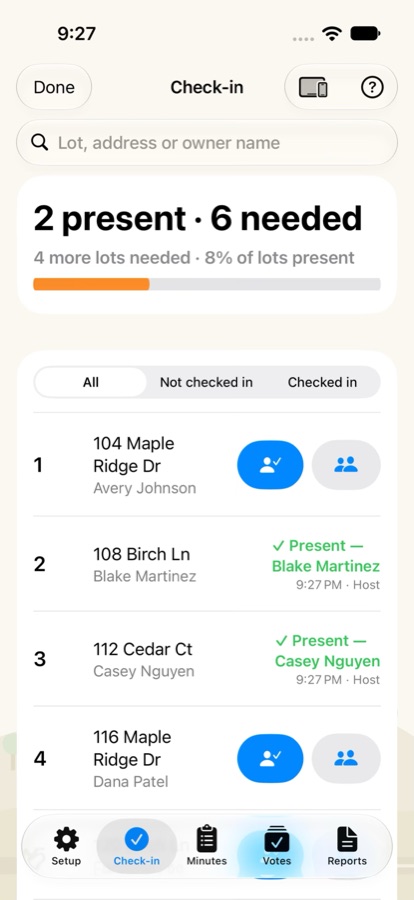
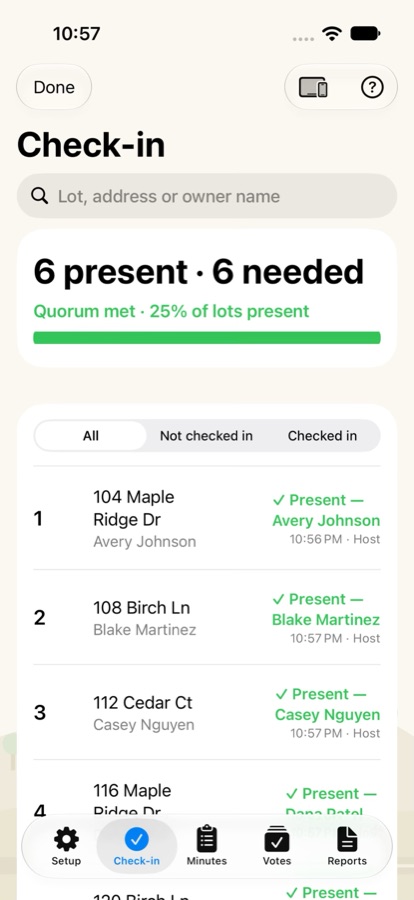
Check everyone in.
Import your roster from a spreadsheet saved as CSV, then check owners in as they arrive, or record a proxy. Add more iPads and iPhones as check-in desks, and every desk sees the same list.
Know when you have quorum.
Set your quorum rule by lots or by vote weight. The quorum bar counts as people arrive, and you can stamp a quorum check into the minutes at any time.
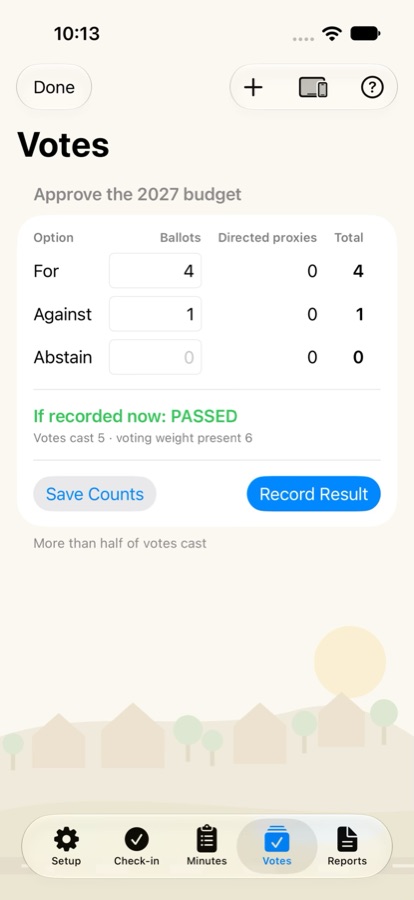
Votes and elections, tallied.
Set up motions and elections before the meeting. On the day, enter the paper ballot counts. Meeting Day adds directed proxies, applies the passing rule you chose for each motion and shows the result.
Minutes and reports.
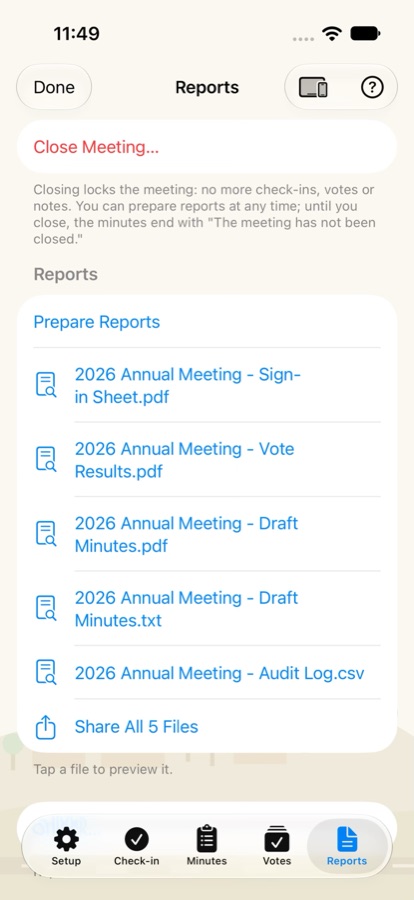
Step through the agenda, take notes and time public comment. When you close the meeting, prepare a sign-in sheet with a quorum certificate, vote results, draft minutes and an audit log, ready to share as PDFs and a spreadsheet file.
No internet needed.
Meeting Day works without internet and without accounts. Desks connect to the host over your local network or a direct Wi-Fi link, and your meeting stays on your own devices. Read the privacy policy.
Pricing.
Pricing details are coming soon.
Meeting Day is a record-keeping tool. Quorum and vote requirements are set by your governing documents and state law; check with your association's counsel.